
Your phases: set up and solve
You set up the POS system and you’re there when something gets stuck. That’s exactly where the APRO MCP takes most of the work off your hands. In between, your customer works independently, with the APRO Assistant and my APRO Reports.
- PHASE 01Set upComplete installation with my APRO Setup.You, with the APRO MCP
- PHASE 02ManageThe customer makes changes themselves, in the chat.Your customer
- PHASE 03AnalyseThe customer queries their own figures.Your customer
- PHASE 04SolveAnalysis at the business itself, instead of recreating the issue.You, with the APRO MCP
Connect once and everything is open to you
How to get in
The APRO MCP is an address you enter in your AI assistant, for example in Claude. After that, you have access via the chat to APRO knowledge and to the businesses you look after.

Enter the address
Add the APRO MCP to your AI assistant. No local setup, no key of your own.

Sign in with my APRO
Sign in with your partner account. The assistant sees exactly what your access allows.

Authorise the business
For each business, you confirm in the browser whether the AI may only look or also make changes.
From the customer’s documents to a ready-to-use POS system
01 · Set up · my APRO Setup
Menu as a photo or PDF, item list as Excel, table plan as a sketch, operator list, email thread. You give the assistant the documents; it plans the installation, shows you the preview and creates everything once you give your OK.
menu.pdfitems.xlsxtable-plan-sketch.jpgoperators.xlsx
New installation for Gasthaus zur Linde. Set up the POS system from these documents.
Connect businessRead documentsPlan (preview)
The plan for Gasthaus zur Linde is ready. Before I write anything, here’s the overview:
Categories 12 · Price levels 2Items 186 · Item screens 4Table areas 3 · Tables 38 · Graphical table planOperators 9 · Online menu 1Outstanding: 3 menu items without a price
Why has every third card payment at Stadtcafé been failing since yesterday?
Connect business (read-only)Analyse POS logs
Cause found: Recurring timeouts at the terminal since 14:10 yesterday. The payment route runs over the internet, not the in-house network. The business’s connection is unstable; the POS system itself is fine.
How is the kitchen printer connected at Hotel am See?
Cabling planBusiness notes
According to the cabling plan: Kitchen printer connected via LAN to the switch in the storeroom, port 7. Note from the last visit: “Power supply replaced, keep an eye on it.”
Create the new autumn menu for all three Café Mayer locations.
Connect businesses ×3Create items (preview)Assign screens
3 locations, 14 new items each. “Autumn” screen prepared for each location. Here is the preview:
Mayer Innenstadt 14 items · Autumn screenMayer Bahnhof 14 items · Autumn screenMayer Uni 14 items · Autumn screen
Sample dialogues for illustration purposes. Businesses and figures are fictitious.
What the AI creates during an installation
Order entry
- Tables and graphical table plans
- Table screens
- Items and item screens
- Online menus
Workflows
- Operators
- Order manager and print routing
- Side dish prompts
- POS parameters and devices
Master data
- Categories and price levels
- Business master data
- Vouchers
- Accounts for financial accounting
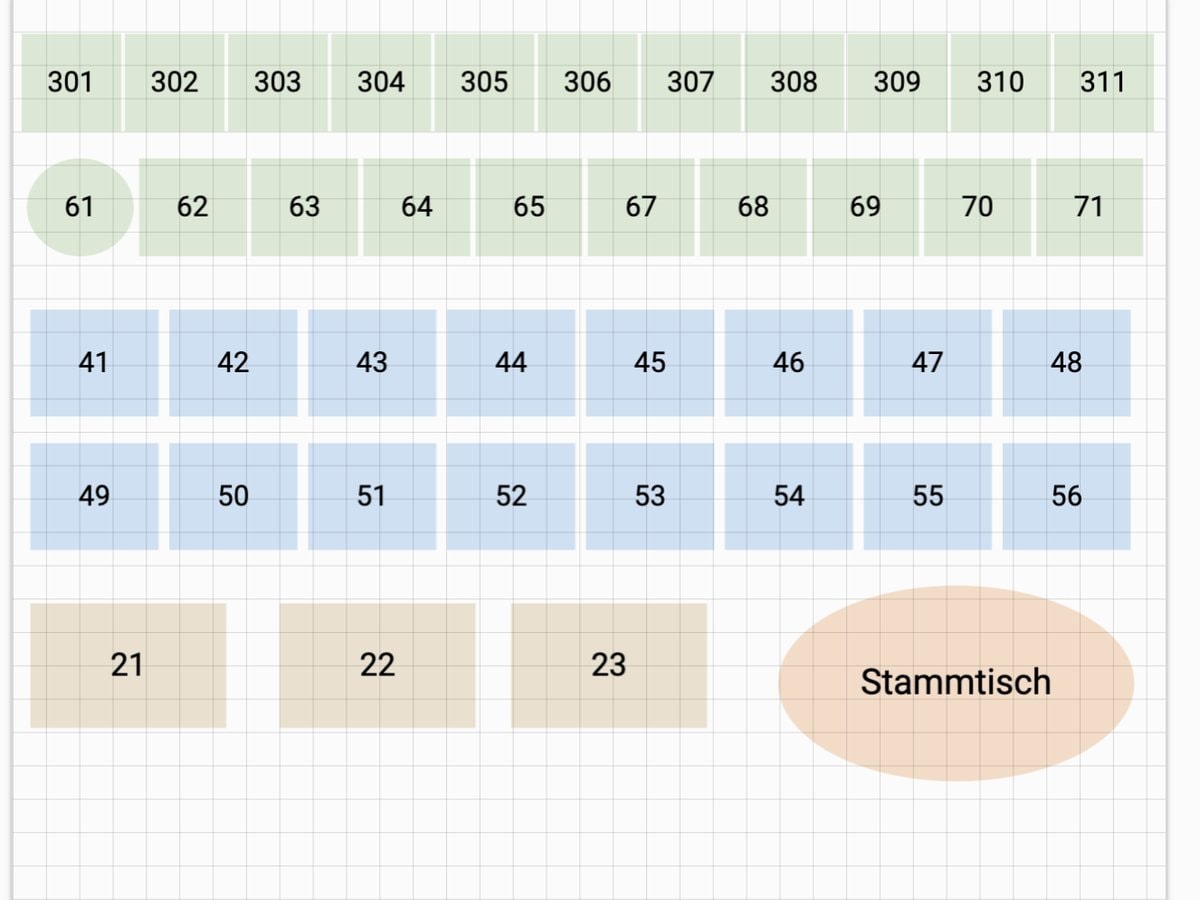
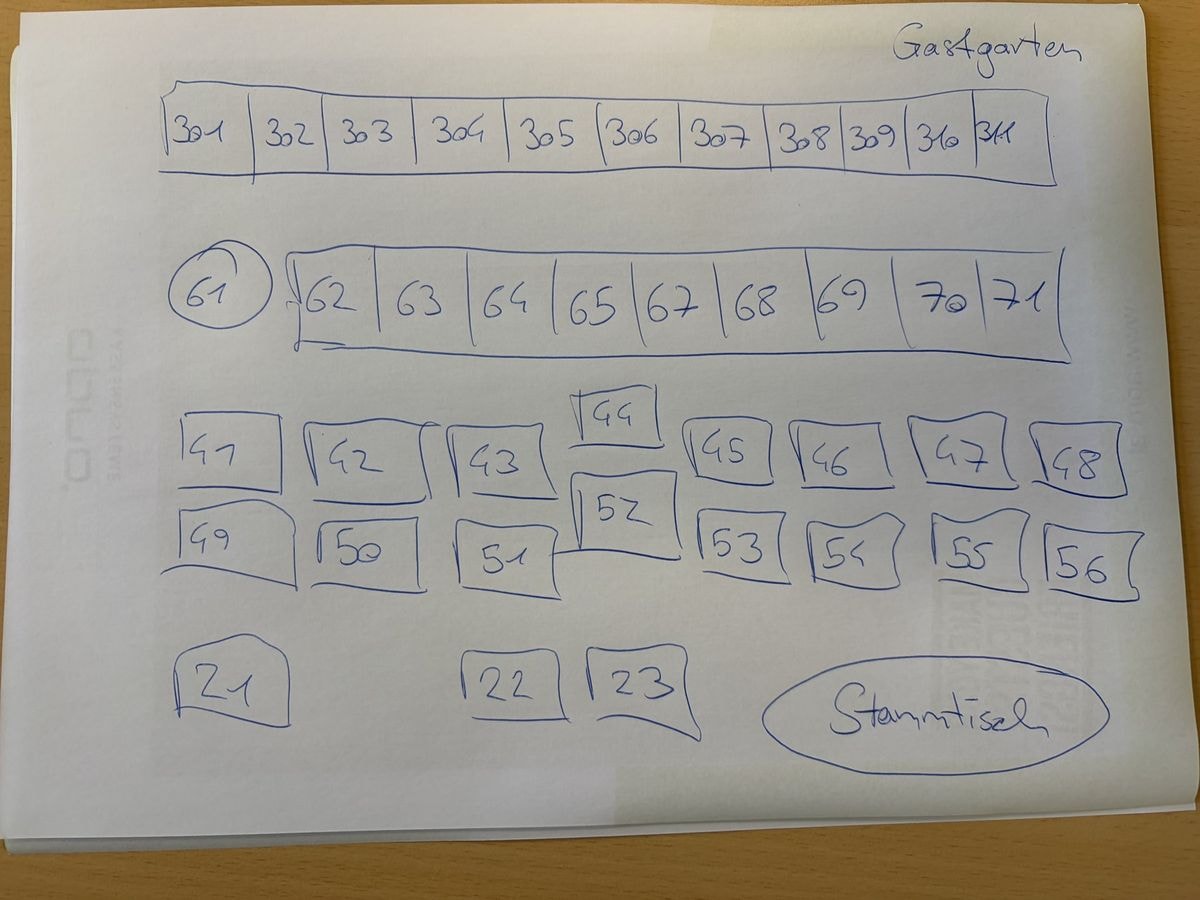 SKETCHPOS
Hardware stays hands-on. The rest becomes routine.
What stays with you and what’s coming
Printers, signature stick and licence still need your hands. Next, the POS system will register itself once switched on and fetch its own configuration. The goal: as a rule, standard installations without an on-site appointment.
After that, your customer works independently
02 + 03 · Manage and Analyse · Your customer
“Could you set this up for me, please?” In future, your customer handles requests like this themselves in the chat. You’re free to focus on what they really need you for.
Analysis right at the business
04 · Solve · APRO MCP
You connect the business, and the assistant reads logs, checks the configuration and spots patterns over weeks. Faults are found instead of being recreated at the customer’s site.
Secure, because people make the decisions
The APRO MCP runs tools but does not decide on access.

Authorisation per business
In the browser – the AI cannot grant it to itself.
Read-only or read-write
If a business is connected for viewing only, write commands are rejected.
Fixed tools per role
Partners see what partners need.
Sign-in with your account
No password stored with the assistant, no shareable link.
Preview before writing
Installations and bulk changes only after your OK.
Everything traceable
In my APRO Admin.
Everything for the guest. AI takes care of the rest.
Alles für den Gast · 7–10 November 2026 · Salzburg · Hall 10 · Stand 10-1265
Request access
We’ll set up your access to the APRO MCP. It only takes a few minutes.
Prefer to get in touch directly?